01
Look
Face the screen. saywhen keeps a few numbers, like head angle, and throws the picture away.
 saywhen by Mohamed Ansar
Hands-free voice for your terminal and coding agent. Look at the screen, say what you want, and saywhen types it after a preview you can cancel. No hotkey to hold.
WaitingLook at the screenInteractive preview: switch send modes above, or hit Cancel (or Esc) while a preview counts down. The real recording is further down.
Types into anything. Presses Enter only where you trust it.
The camera and the microphone have to agree before saywhen listens. A camera alone cannot tell chewing from talking. A microphone alone cannot tell who you are talking to.
Face the screen. saywhen keeps a few numbers, like head angle, and throws the picture away.
Speak normally. The last half second is already kept, so your first word is never clipped.
Read it in a short preview. Esc, a head shake, or talking again cancels. Otherwise it is typed in.
Gaze + lip motion arm the gate. Voice starts recording with a 500 ms audio pre-roll. An adaptive silence window finishes the turn and opens the cancelable preview. No camera? Option + Space (Mac) or Alt + Space (Windows) works any time.
Speech models hear "Cubectal" when you say kubectl. A local clean-up pass turns what was heard into what you meant, and you can add your own project words in Settings.
Click any row to inspect the rule. 34 of 34 spoken commands came out exact in the cleanup.rs benchmark.
A spoken request goes into Cursor and gets sent. No keys pressed. One run on an Apple Silicon Mac, not a benchmark.
An animation of the idea, not a screen recording.
If you keep talking, shake your head, press Esc, or switch to another window mid-countdown, nothing is sent. In browsers, email, or chat apps, saywhen types without pressing Enter.
Cancel any time with Esc, a head shake, or by talking again. Or say "scratch that".
Everything runs on your computer. After the speech model downloads, saywhen works with the internet off.
Illustrations drawn from the app's interface, not recordings.
Each frame is read for a moment, then thrown away. Nothing is saved, logged or uploaded.
Speech becomes text on this computer with Whisper, then the audio is discarded. Cloud clean-up is off unless you turn it on.
Pressed only in apps you trust. Commands like rm -rf are typed with a warning and left for you. That check is a heuristic, not a guarantee.
About the install warning. This beta is not signed by Apple or Microsoft yet, so your computer asks one extra question. It is about the missing signature. You can also build saywhen yourself from the source.
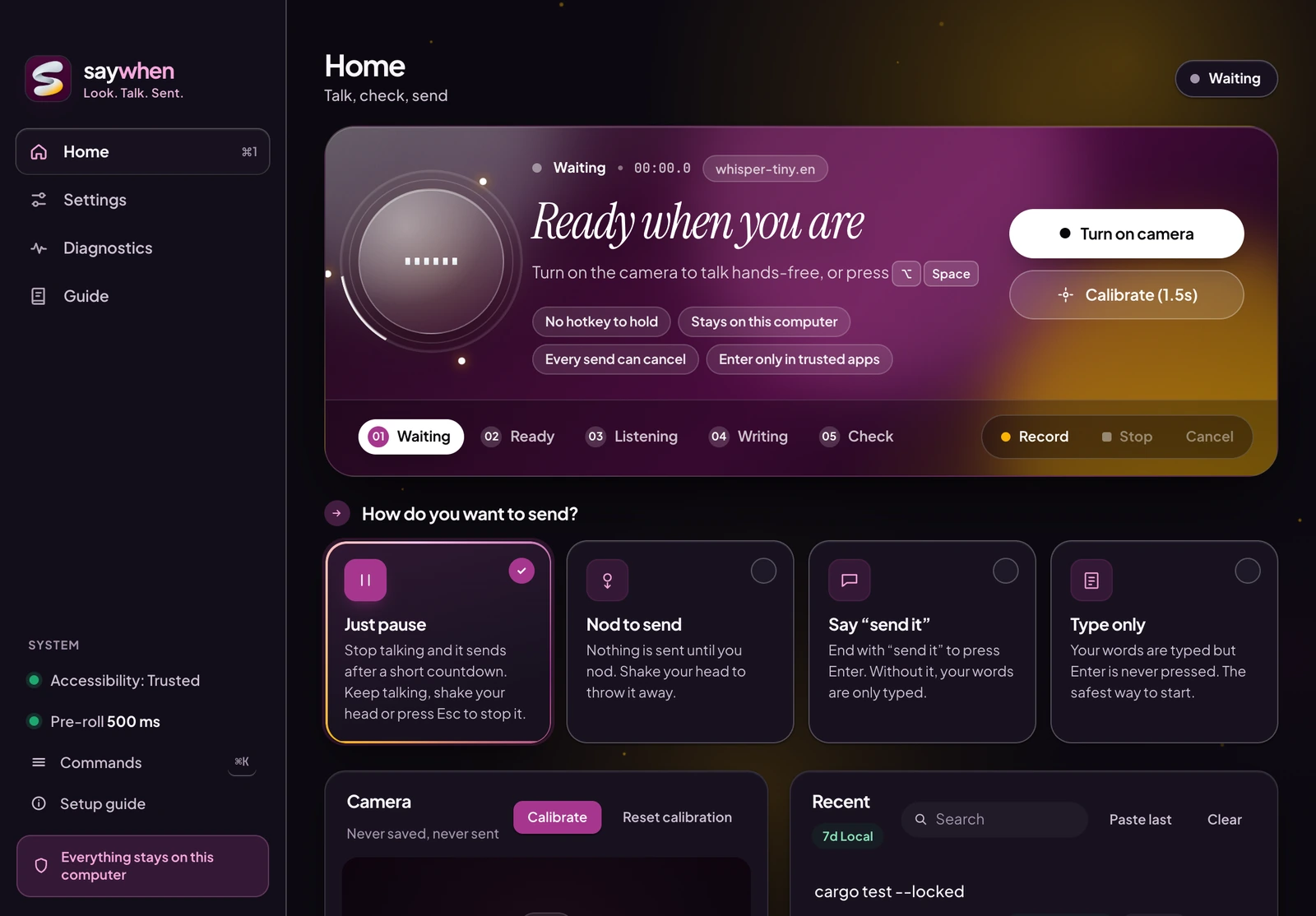
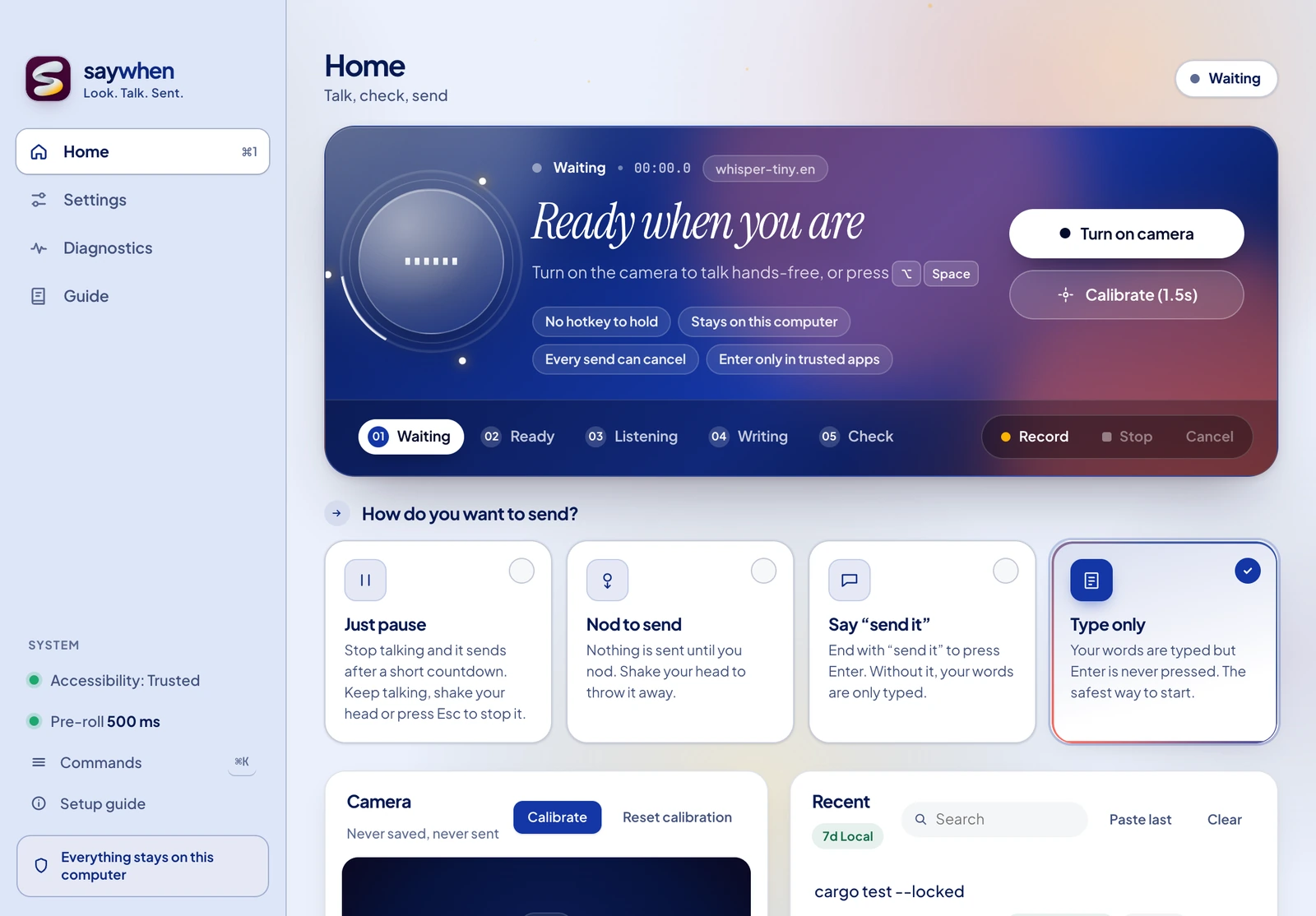
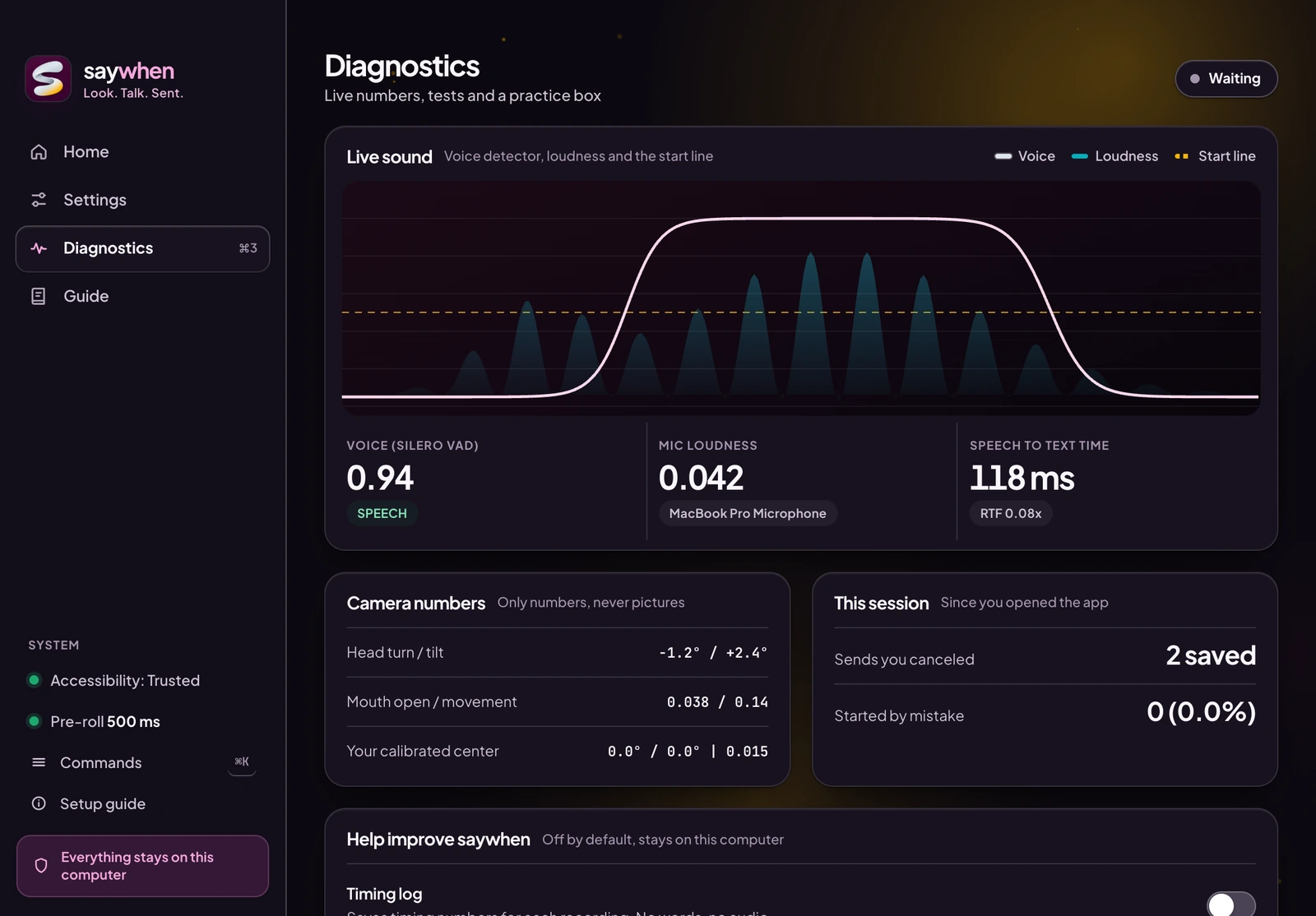
Built for developers working through long agent prompts and CLI loops out loud. Keep hands-free listening on at your own desk, or switch to Type only and a shortcut when people share the space.
From prototype sessions on Apple Silicon. Replay clips are generated speech with simulated camera traces, not live users. Real-user accuracy, CPU and battery are not measured yet. The launch checklist and measurements log detail everything verified so far.
Open the installer. On a Mac, if macOS warns about the missing Apple signature, run the quarantine clear once:
xattr -cr /Applications/saywhen.appPaste this into Claude Code or Cursor for guided setup.
Clone https://github.com/ansarbuilds/saywhen
and open that folder. Then follow
INSTALL_WITH_AI.md from the top.
Ask me before you install anything.Requires Node.js 20+, Rust, and CMake (plus VS Build Tools on Windows).
git clone https://github.com/ansarbuilds/saywhen.git
cd saywhen
npm ci
npx tauri devPre-built beta installers cover Apple Silicon Macs (aarch64.dmg) and 64-bit Windows (x64-setup.exe). Automated tests run on both macOS and Windows; hands-on Windows hardware and Intel Mac checks are still open, though Intel Macs can build directly from source.
Camera frames are read in memory for face, yaw, and lip movement, then dropped immediately. Speech recognition (Whisper Tiny.en, Base.en, Small.en, and Large v3 Turbo) and voice activity detection (Silero VAD + optional 3-phrase voice enrollment) run on-device. After downloading a speech model, saywhen works completely offline.
Pick Type only on Home. It types the cleaned transcript and never sends Enter. Even in default pause mode, Enter is restricted to allowlisted terminals/editors, destructive commands are withheld, and every send shows a cancelable preview.
Yes. Press ⌥ Space (Mac) or Alt Space (Windows) for manual listening any time, or enable the opt-in wake word (eevee by default) and Side-camera mode for off-center laptop webcams.
Free and open source. Start with Type only and nothing is ever sent for you.